
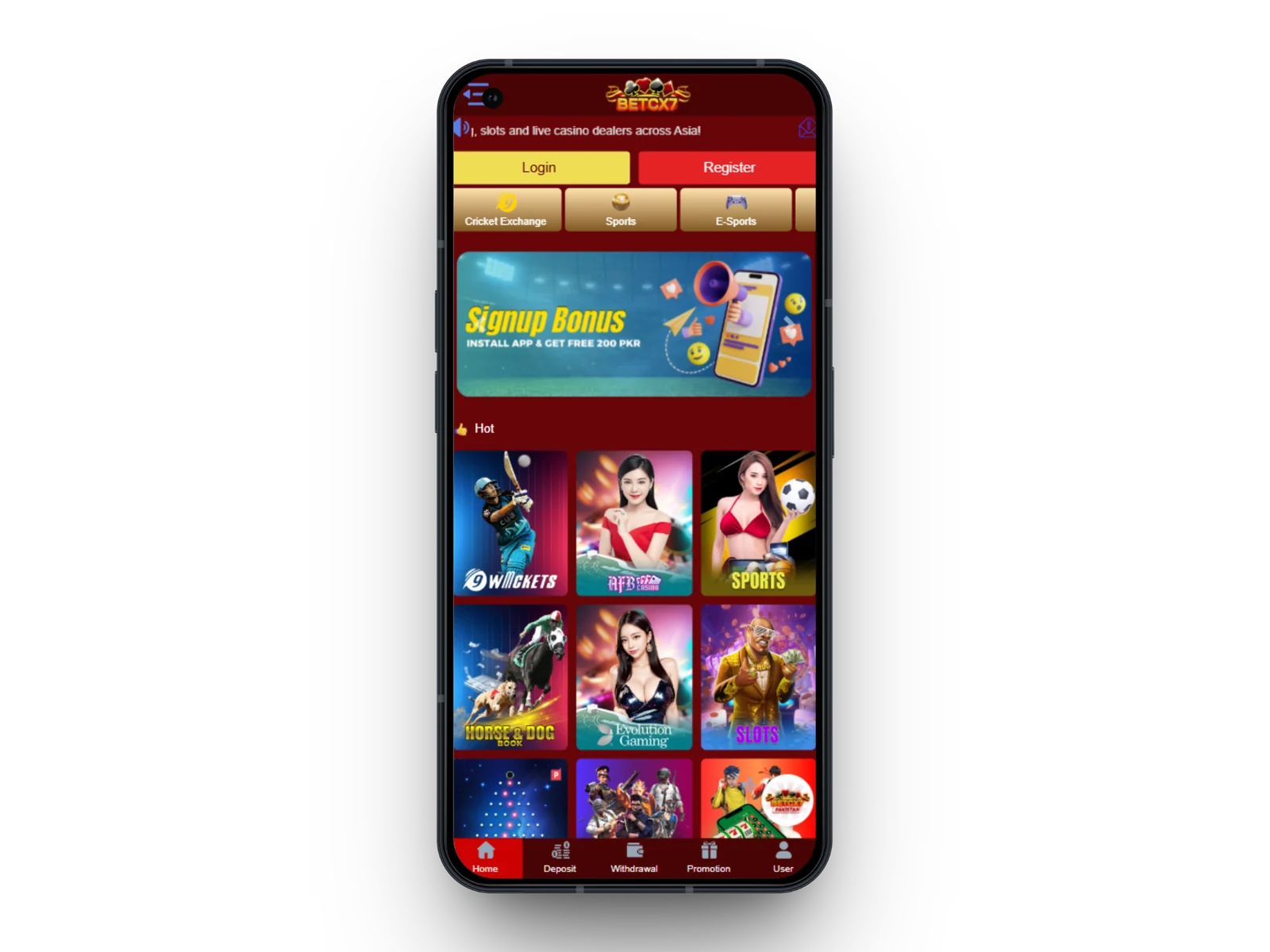
The BetCX7 app gives Android users a compact way to reach cricket exchange markets, sportsbook events, live casino, slots, promotions, deposits, withdrawals and account settings. Use only the download link provided on this site and avoid APK files copied to unrelated websites.
How to Install the BetCX7 APK
- Open this page on your Android phone and tap Download BetCX7 App.
- Allow the download in your browser when prompted.
- Before installation, review the file name and source.
- If Android blocks installation, enable permission for your browser or file manager to install this specific app, then disable that permission afterward if you prefer.
- Open the app, choose Login or Register, and use the official account details.
Mobile App Features
Cricket & Sports
Browse pre-match and live categories with odds and market details.
Casino Lobby
Reach supported live dealer, slots and instant games from a mobile layout.
Cashier
View available deposit and withdrawal methods after login.
Promotions
Review current campaigns and their account-specific terms.
Account Center
Access profile, security and transaction information.
Support
Open support channels when account or payment help is needed.
Android Safety Checklist
- Keep Android and your browser updated.
- Do not install modified or cracked versions of the BetCX7 app.
- Avoid sharing login credentials through messages.
- Use a device screen lock and a unique password.
- Check payment details before confirming a transfer.
Frequently Asked Questions
Is BetCX7 available on Android?
The supplied download link is intended for Android app access. Device compatibility can vary.
Do I need the app to use BetCX7?
No. The supplied login destination also works through a mobile browser.
How should I update the app?
Use the official download source or update mechanism shown by BetCX7 rather than third-party APK websites.